HTML, CSS, and JavaScript: The Complete Web Development Guide
Master the foundational trinity of web development. Learn HTML structure, CSS styling, modern JavaScript interactivity, and best practices for building responsive websites.
Table of Contents
1. Introduction to Web Development Fundamentals
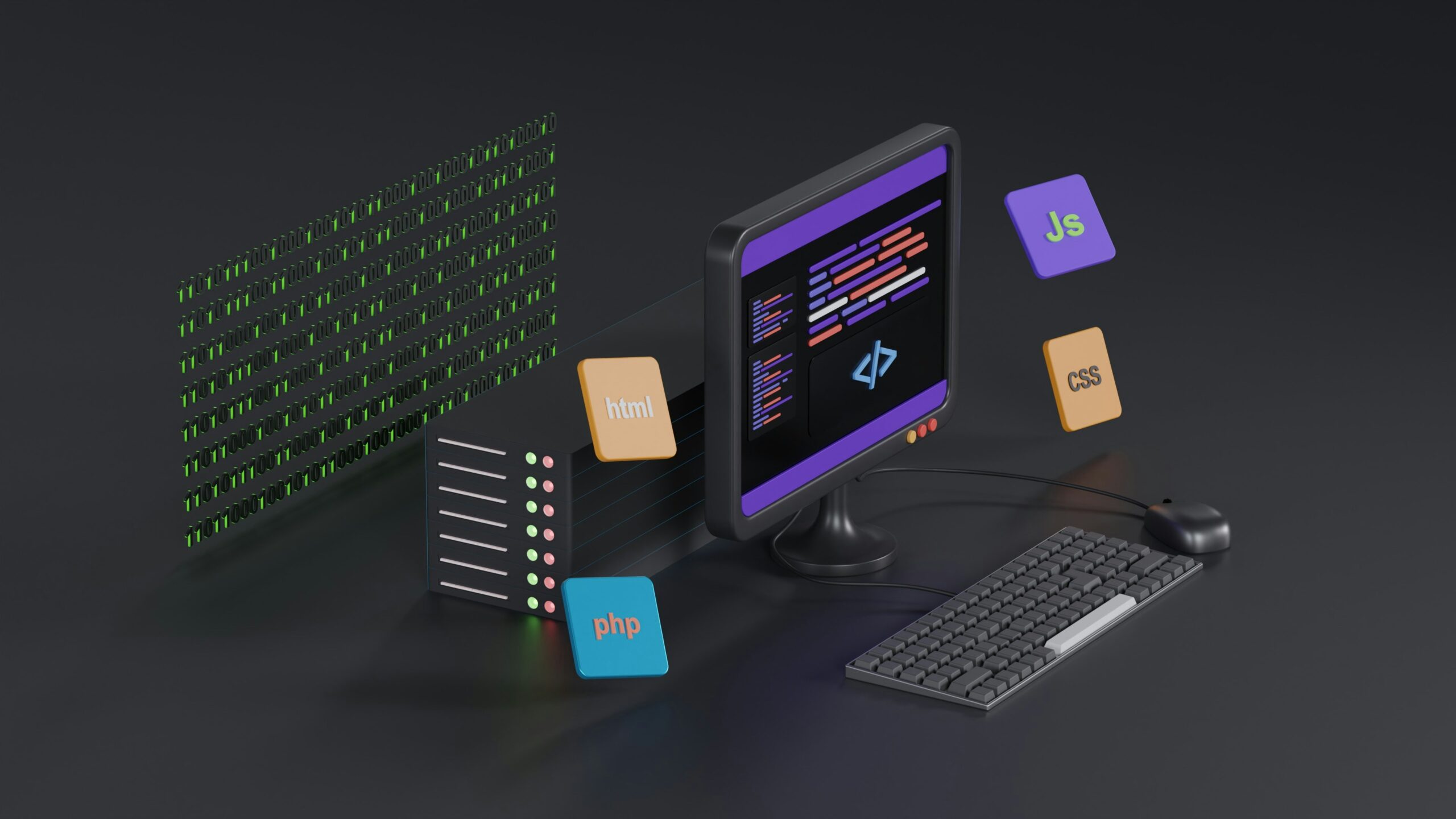
The World Wide Web is built upon three foundational technologies that work in tandem to deliver rich, interactive digital experiences to users across the globe:
-
HTML (HyperText Markup Language): Provides the content and structural backbone of a webpage.
-
CSS (Cascading Style Sheets): Controls the visual presentation, layout, and design aesthetics.
-
JavaScript (JS): Powers dynamic behavior, user interaction, and application logic.
Together, they form the core of Front-End Development, turning raw code into responsive, visual applications executed directly within the user’s web browser.

2. HTML5: Structuring the Web
HTML uses a system of tags and elements to organize text, images, forms, and multimedia into a semantic hierarchy.
Semantic HTML
Modern HTML5 introduced semantic elements that clearly describe their meaning to both the browser and the developer:
-
<header>: Represents introductory content or navigation links. -
<nav>: Defines a section of navigation links. -
<main>: Specifies the dominant content of the body. -
<article>: Encapsulates self-contained, independent content. -
<footer>: Represents a footer for its nearest sectioning content.
Example HTML Structure:
HTML<main> <article> <h1>Welcome to Web Development</h1> <p>HTML provides the structure for modern websites.</p> </article> </main>
3. CSS3: Styling and Responsive Design
CSS transforms unstyled text and raw markup into polished, beautiful interfaces.
Key CSS Concepts
-
The Box Model: Every element is treated as a rectangular box consisting of margins, borders, padding, and the actual content area.
-
Flexbox and Grid: Modern layout engines designed for one-dimensional (Flexbox) and two-dimensional (Grid) alignment, making responsive design simpler than ever.
-
Media Queries: CSS rules that apply styles conditionally based on device characteristics like screen width, height, or orientation.
Example CSS Snippet:
CSS.container { display: flex; justify-content: space-between; align-items: center; padding: 2rem; background-color: #f8f9fa; }
4. JavaScript: Adding Interactivity and Logic
JavaScript is a high-level, interpreted programming language that brings web pages to life. It handles data processing, asynchronous operations, event handling, and dynamic UI updates.
Core JavaScript Concepts
-
Variables and Data Types: Storing data using
let,const, and primitive types (strings, numbers, booleans). -
Functions: Reusable blocks of code designed to perform specific tasks (including modern arrow functions:
const add = (a, b) => a + b;). -
Asynchronous JavaScript: Using
Promisesandasync/awaitto handle network requests, APIs, and timers without blocking the main execution thread.
5. The Document Object Model (DOM) Manipulation
The DOM is a programming interface that represents the page so that programs can change document structure, style, and content. JavaScript interacts with the DOM to respond to user actions.
Example DOM Interaction:
JavaScript// Selecting an element and updating its content on click const button = document.querySelector('#submit-btn'); button.addEventListener('click', () => { const heading = document.querySelector('h1'); heading.textContent = 'Button Clicked Successfully!'; });
6. Modern Web Development Best Practices
-
Accessibility (a11y): Using proper ARIA labels, alt text for images, and semantic tags so users with disabilities can navigate effectively.
-
Performance Optimization: Minifying assets, optimizing images, and reducing layout shifts to ensure fast load times.
-
Mobile-First Design: Designing layouts for smaller mobile screens first, then expanding for larger desktop displays.
7. Advantages and Disadvantages
| Advantages | Disadvantages |
| Universal Support: Runs natively in every modern web browser without requiring plugins. | Browser Incompatibilities: Older browsers may require polyfills or vendor prefixes for new CSS/JS features. |
| Low Barrier to Entry: Easy for beginners to start writing HTML and CSS immediately. | Maintenance Complexity: Large vanilla JavaScript codebases can become difficult to scale without frameworks. |
| Rich Ecosystem: Backed by massive community resources, libraries, and tools. | Security Vulnerabilities: Client-side scripts can be exposed to cross-site scripting (XSS) if not sanitized properly. |
8. MCQs and FAQs
MCQs
-
Which HTML5 tag is best used to wrap navigation links?
a)
<section>| b)<nav>| c)<div>| d)<aside>(Answer: b)
Frequently Asked Questions
-
What is the difference between CSS Flexbox and CSS Grid? Flexbox is designed for one-dimensional layouts (rows or columns), while Grid is designed for two-dimensional layouts (rows and columns simultaneously).
-
Do I need a server to run HTML, CSS, and JavaScript? No, basic web pages can be opened directly in your local browser from your computer’s file system, though a local development server is recommended for modern tooling.
9. Conclusion
HTML, CSS, and JavaScript form the indispensable foundation of the digital world. Mastering how to structure elements with HTML, layout and style designs with CSS, and program dynamic interactivity with JavaScript unlocks the ability to build anything on the web.